PROFI CONSULTING
from 9am to 5pm



No products
Free shipping! Shipping
0,00 €Total
Product successfully added to your shopping cart
( pcs)
Buy for another and get free shipping
You have free shipping!
*438 581
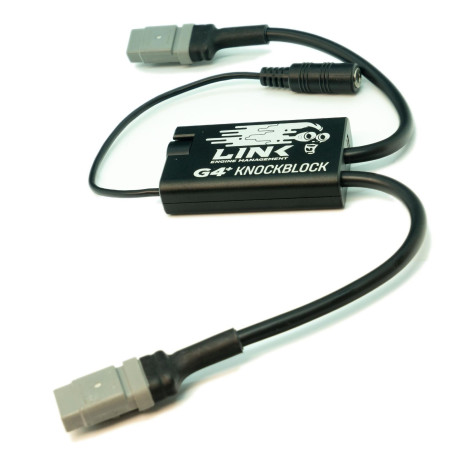
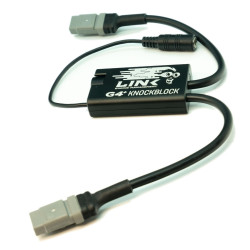
The G4+ KnockBlock is an essential tool for tuning and can aid in the early detection of incorrect ignition timing, lean air/fuel mixtures and mechanical issues. It is used it with ear buds, headphones or noise cancelling ear muffs and features special filtering to allow you to listen in and detect knock early.
New product
105-1000
Add to wishlist In your list · view
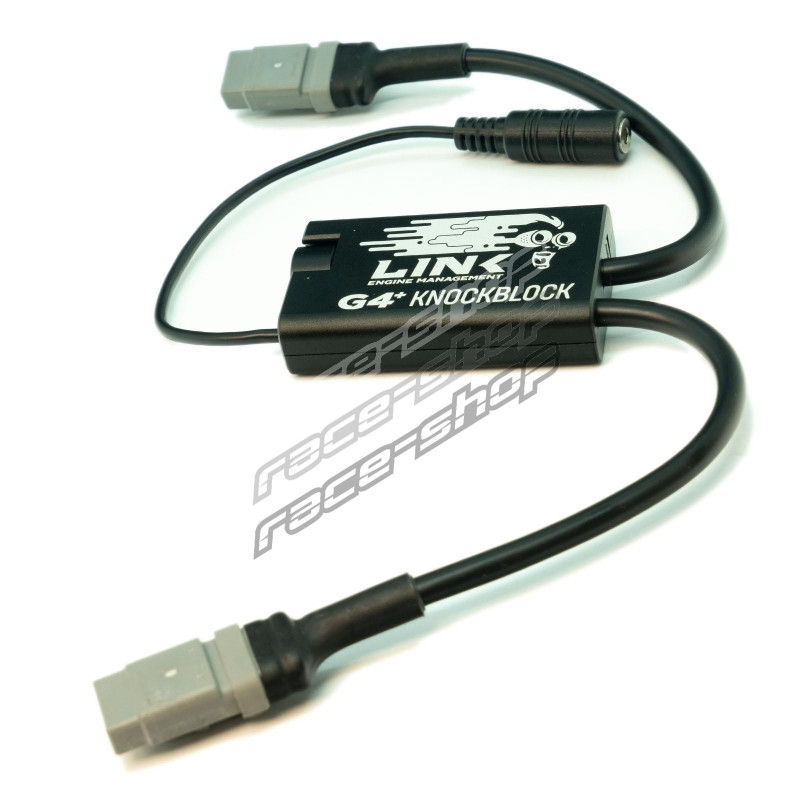
Link KnockBlock G4+ (KNB)
The G4+ KnockBlock is an essential tool for tuning and can aid in the early detection of incorrect ignition timing, lean air/fuel mixtures and mechanical issues. It is used it with ear buds, headphones or noise cancelling ear muffs and features special filtering to allow you to listen in and detect knock early.
Send the question to the owner of the store, about this product.
* Required fields
or Cancel
Link KnockBlock G4+ (KNB)
To be informed about product update via email, fill out the form.
* Required
or Cancel
The G4+ KnockBlock is an essential tool for tuning and can aid in the early detection of incorrect ignition timing, lean air/fuel mixtures and mechanical issues. It is used it with ear buds, headphones or noise cancelling ear muffs and features special filtering to allow you to listen in and detect knock early.
Please note headphones with their own noise filtering may be unsuitable for use with the knock block.
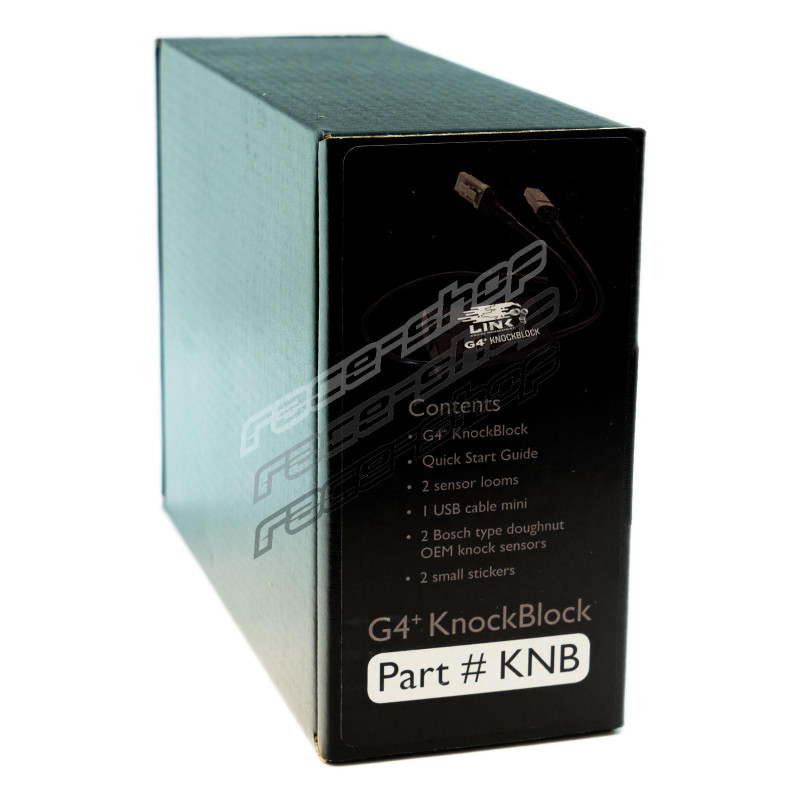
What’s in the Box?
G4+ KnockBlock
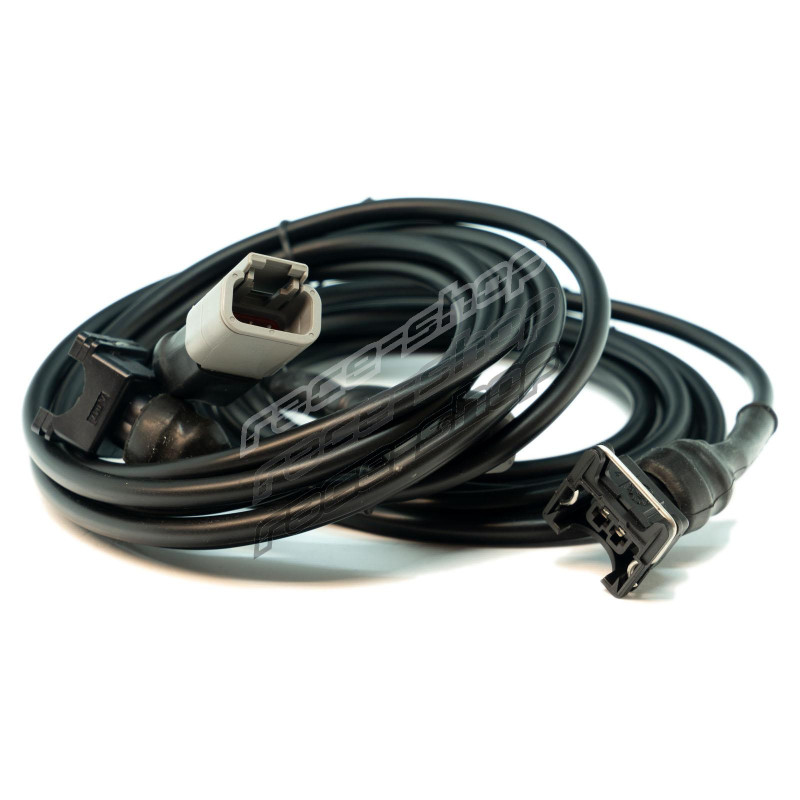
2 sensor looms (attached)
1 headphone loom (attached)
Quick Start Guide
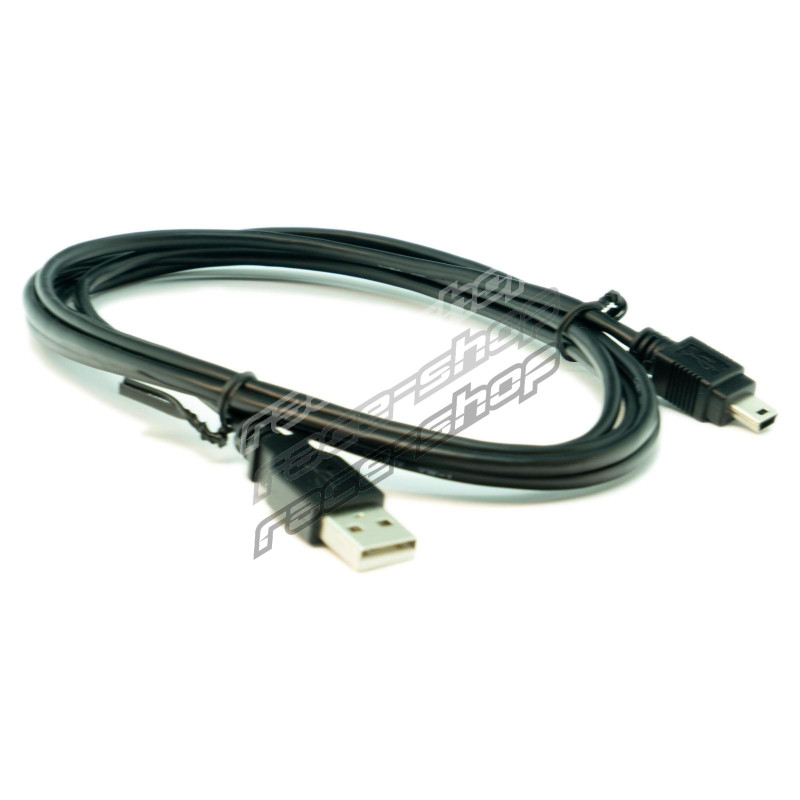
1 USB cable mini
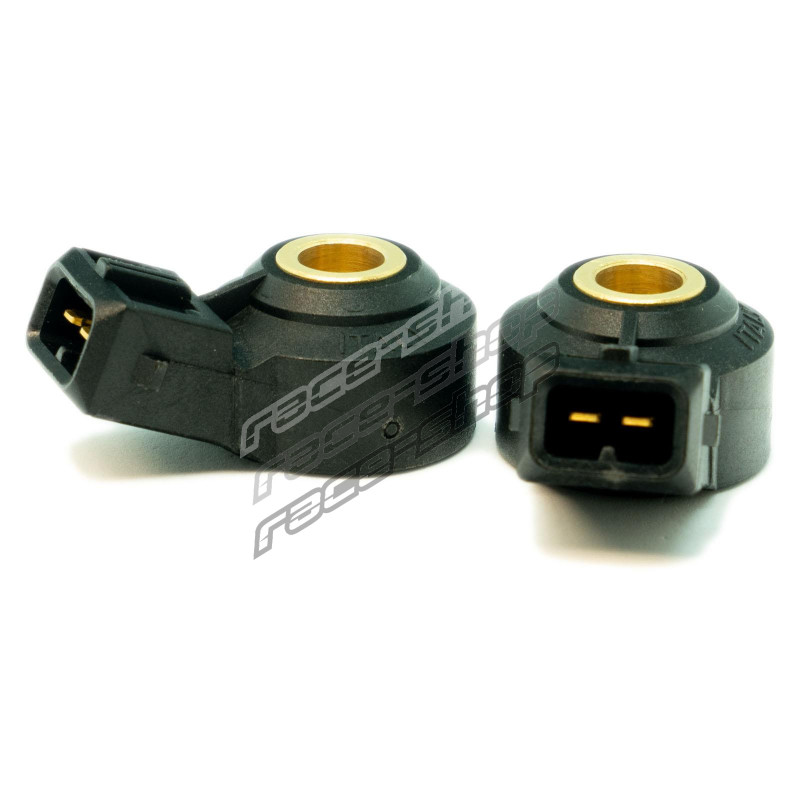
2 Bosch type doughnut OEM knock sensors
2 small Link Engine Management stickers
Specifications:
Operating
Install the knock sensor/s in a suitable location on the engine (typically on a solid mounting point on the block near the cylinder head)
If only using one sensor, leave the unused sensor cable disconnected
Turn the volume control clockwise until it clicks. The LED indicator will turn blue when the KnockBlock is operating
Turn the volume to the minimum setting (most anti-clockwise)
Connect headphones to the 3.5mm audio jack
Run the engine and carefully increase the volume (clockwise) until engine mechanical noise can be heard. Adjust to a comfortable listening volume
Charging
Turn off the KnockBlock by turning the volume control anti-clockwise until it clicks
Connect the USB charging cable to the KnockBlock’s Mini USB connector. Can be charged from any standard USB charger PC, laptop, car or cell phone charger (2.1A at 5V max)
The LED indicator will show red while charging. When the indicator turns off the battery is fully charged
Charge the G4+ KnockBlock after use and before storage
Specifications
Operating
Install the knock sensor/s in a suitable location on the engine (typically on a solid mounting point on the block near the cylinder head)
If only using one sensor, leave the unused sensor cable disconnected
Turn the volume control clockwise until it clicks. The LED indicator will turn blue when the KnockBlock is operating
Turn the volume to the minimum setting (most anti-clockwise)
Connect headphones to the 3.5mm audio jack
Charging
Turn off the KnockBlock by turning the volume control anti-clockwise until it clicks
Connect the USB charging cable to the KnockBlock’s Mini USB connector. Can be charged from any standard USB charger PC, laptop, car or cell phone charger (2.1A at 5V max)
The LED indicator will show red while charging. When the indicator turns off the battery is fully charged
What’s in the Box?
2 sensor looms (attached)
1 headphone loom (attached)
Quick Start Guide
1 USB cable mini
2 Bosch type doughnut OEM knock sensors
| Type | Sensors |
This discussion is especially meant for information exchange between customers. For questions regarding your order or stock availability, please contact us directly.





No manufacturer found